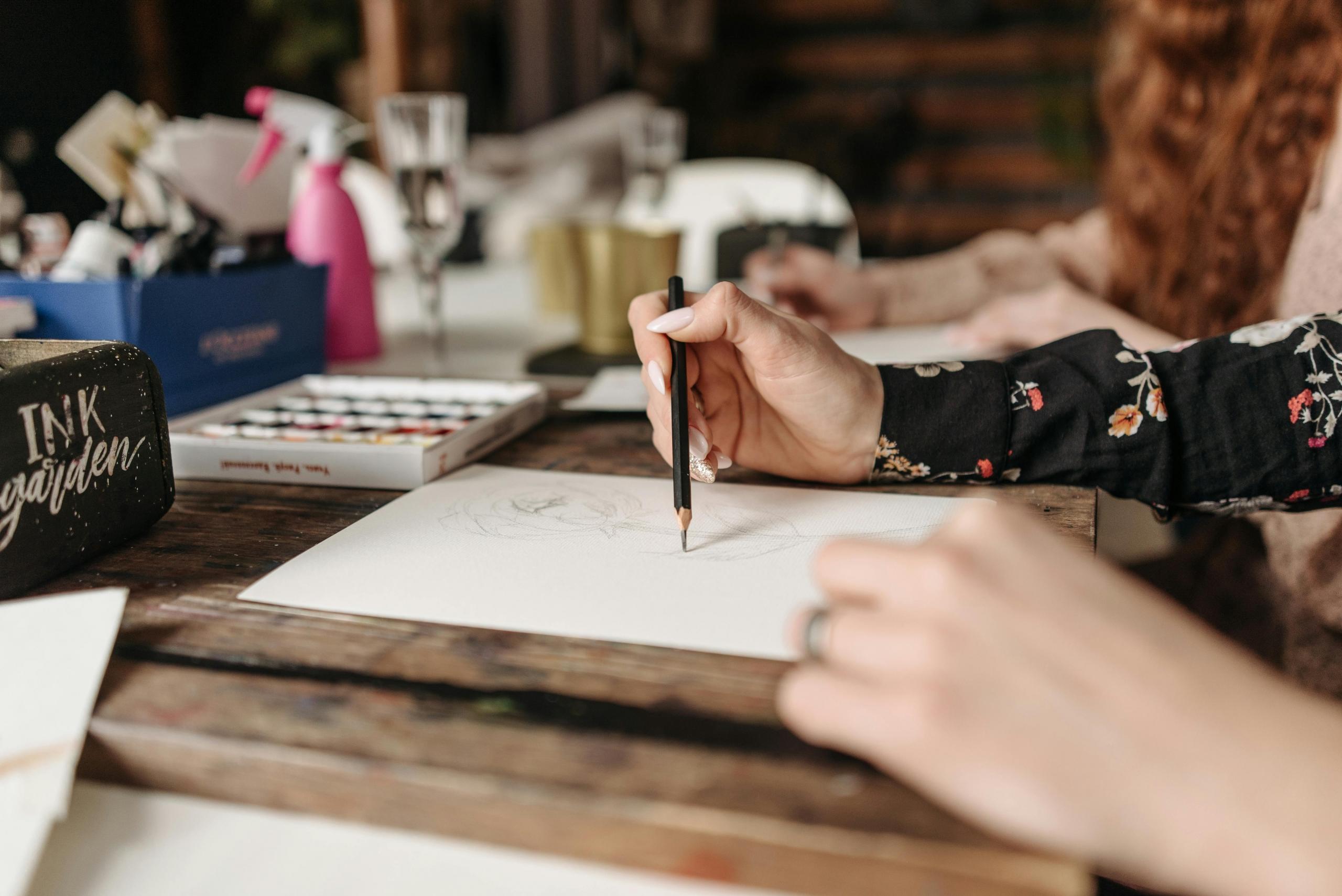

“Drawing is an exercise for a restless imagination.” - Tim Burton
To get through long days of work or study, we may plan for something fun or relaxing to do at the end of the day. For many, this could mean taking a walk in the park, hanging out with friends, or heading out for a romantic dinner. Even something as simple as playing cosy games in bed can bring much comfort. Our hobbies are what make us happy, after all.
One of the best hobbies you can take up to relax and build new skills is drawing.
Are you interested in sketching or painting? Do you prefer pens, pencils, or paintbrushes? Or maybe even drawing with a stylus on a tablet?
The kind of art you can create is endless - there are infinite ways to draw and various mediums you can use to learn drawing, such as by using apps meant for art and drawing. Whether you want to sketch, do landscapes, or ink manga, here are the best apps for learning to draw.


Is there an app that can teach you to draw?
Some aspiring artists are sceptical of the idea that they can learn to draw by teaching themselves on an app. They worry about the lack of support from an actual teacher or that the app won’t be good enough for them to effectively learn drawing techniques.
However, there are plenty of apps that can help you get better at drawing. We’re not saying that you’ll become the next Leonardo da Vinci or Van Gogh solely by using these apps (not saying that you can’t build up the potential to become a famous artist, though!) but they can help you improve certain drawing techniques or support your drawing journey if you have just started learning it.
Apps aren’t just for helping you get started, you can also use them to practise. Say you have been trying to draw your favourite anime characters but you have just been stuck on trying to draw the right facial features, body proportions, etc. There are specific apps for drawing that can teach you to draw anime-style characters and will give you practice exercises that you can try in your free time.
If you are taking public transport to and from home/work, you can open the app on your smartphone, whip out your sketchbook and practise drawing. That would make for a more enjoyable commute!
The apps aren’t just for smartphones, either, so you won’t be forced to squint at a tiny screen. You can download most apps onto tablets, too, and tablets are great for artists as they can take them almost anywhere with them. You can also draw on tablets anyway, so that could lessen the amount of art materials and tools you have to carry around with you.
Of course, apps won’t be enough to teach artists everything that they need to know. The classes and exercises offered on the app may be limited to certain learning levels, or you may have to pay extra to progress to advanced-level courses on the app. Even so, the experience of learning with an art teacher versus watching videos on a drawing app is not the same.
If you are not tech-savvy, you may also find it frustrating when issues such as the drawing app crashing, trouble downloading files or other technical difficulties come up. Most drawing apps will immediately fix any bugs and promptly upgrade their apps with user feedback, so this is a concern you shouldn’t have to worry too much about.
However, you should think about the impact of improving your drawing skills with this valuable resource.
By approaching your drawing apps with a positive mindset and the determination to improve your artistic abilities, you can definitely make the most out of any drawing app.
It’s recommended that you start with a pencil and paper if you are learning to draw from an app. After all, before you start trying to do any digital art, you need to be able to draw. That’s why most apps will train you to work with physical media like watercolours, acrylics, pastels and coloured pencils.
Once you’ve mastered the fundamentals of drawing, you can start having fun with other art media like digital art!
To learn how to draw, you need to be disciplined - don’t just open the app once a month! To see some progression, it’s recommended that you use your drawing apps at least once a week.
Find out how to learn to draw for free.
What is the best app to learn how to draw?
Now, let’s talk about some apps that can help get you into drawing or pick up valuable drawing techniques. With all the various apps out there, how do you know which one you should choose? Lucky for you, we’ve broken down the best apps for learning how to draw.
WeDraw: for the anime lover
Do you want to learn how to draw anime step by step?
The WeDraw app can help you draw famous characters from anime, manga and cartoons. A great app for those who are a fan of anime shows!
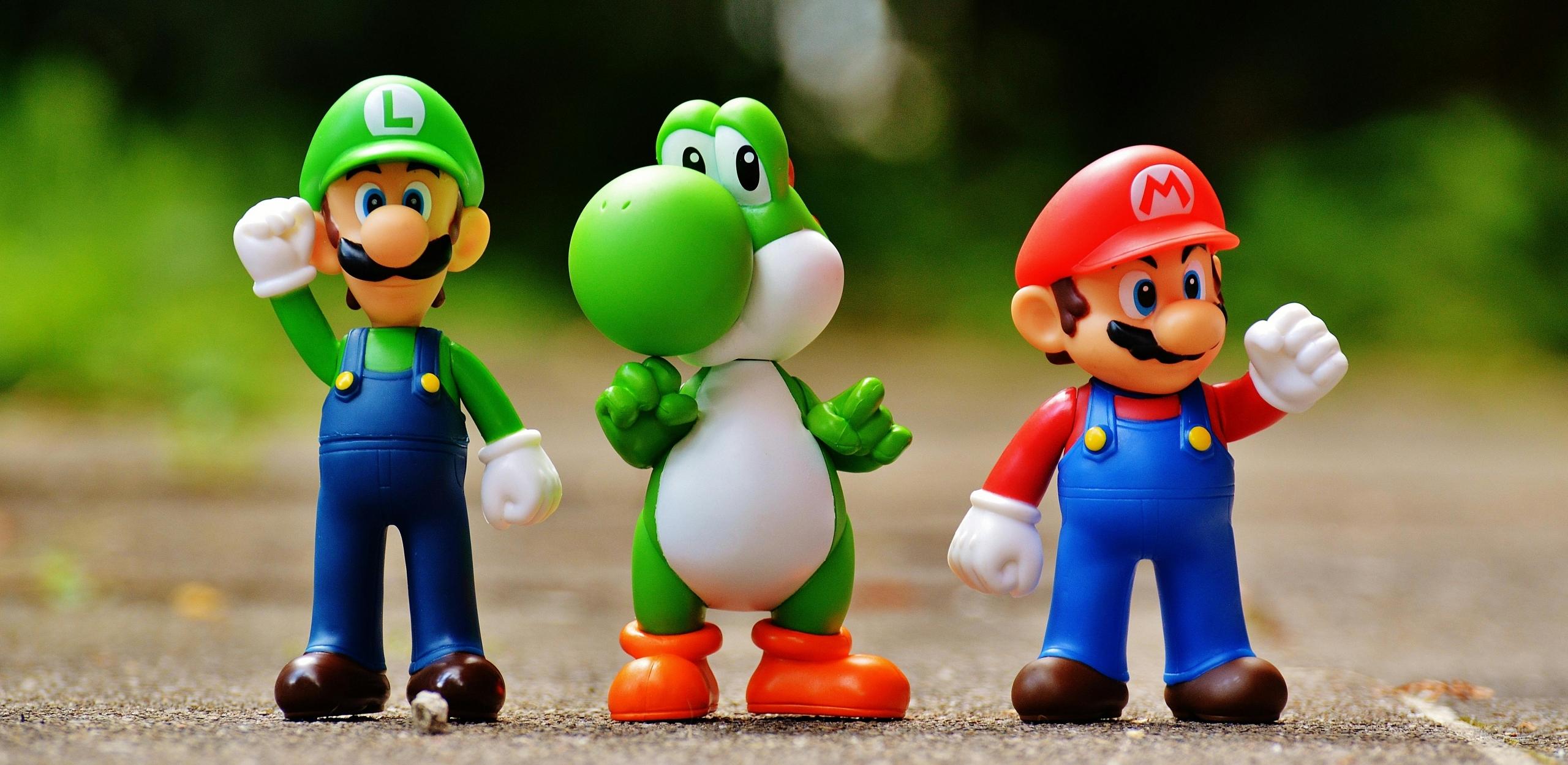
Whether it’s Mario, Naruto, Sonic, etc., you’ll find all your favourite characters. The best thing about this app is how it breaks down the steps to help you better understand how to draw these characters. For each drawing, there are around twenty steps to follow.
This app doesn’t just offer the basics - you can also learn to draw more complex things. This is great for training your eye to recognise proportions, choose colours, and how to draw better. At the same time, it also allows you to enjoy the drawing process.
It’s available on Google Play.
Discover the best drawing websites.
How to Draw: take your drawing to the next level
One of the most famous drawing apps is How to Draw. Much like the previous app, it shows aspiring artists the steps for how to draw various characters, but you can also find other themes and topics to draw like animals, nature, fantasy and floral patterns. Designed with beginners in mind, it can still be useful for practising.
One of the plus points is the huge number of drawings and prompts there are for you to do. Additionally, you can draw things from the real world and not just fictional characters. On that note, you can learn to get better at drawing real-life objects and improve your observation skills the next time you try to create drawings like the things around your house.
Whether you’re drawing animals, cars, planes, or even flowers, this app will allow you to learn the fundamentals of drawing everyday things. Like learning with a drawing tutor, the app will show the steps to follow to get to the final product.
There are also different styles available for different tastes, and you can easily find trending art designs on the app and then bookmark them for your next practice. While you can follow the instructions by using physical media (e.g. pencil and paper), you can also work on your drawings on the app itself. That way, you can seamlessly resume your drawing practice as the app will also immediately save your unfinished sketches.
Find this app on Google Play.
What to Draw?: get inspiration for your drawings
Struggling to find inspiration?
The What to Draw? app is less of an app that teaches you how to draw, and more of a platform for discovering ideas and inspiration. It’s a nice app that allows you to discover different styles of drawing.
The main goal of the app is to show artists templates that they can reproduce in their style. There are around 12 categories including Western, fantasy, medieval, space, etc. You may come across randomised prompts that are wacky and funny, but it’s all a part of the drawing process! Know that you can also adjust the complexity of the templates to suit your skill level.
With this app, you’ll never tire of finding things to draw! If you don’t know what to draw, you should get What to Draw?, choose a theme and start drawing.
You can find it on Google Play.
ShadowDraw: the app for absolute beginners
ShadowDraw is one of the more recent apps that have come out to teach people how to draw. What is attractive about the app is that absolute beginners to drawing can learn how to draw here: rather than telling you how to draw, it shows you. You will be able to see an artist’s pen or brush strokes and all you have to do is copy the lines and movements.
This is not to say that you have to follow the artist’s drawings precisely, you will still have the freedom to create your unique version of the demo art shown. Use the “Add Personal Touches” option to put a different twist on the art piece and add your flair to your drawings.
Remember that you can choose between “Art Teacher” and “Sketch My Way” modes depending on whether you’d like guidance for your drawings or switch art tools on your own.
This app is available on the iTunes store for iPad.
How to choose the best app for drawing?
Since all these apps serve different purposes - beginner step-by-step tutorials, learning to draw cartoon characters, etc - it is wise to think about what you want to learn from online tutorials and what kind of art style you plan to develop. This can help to narrow down your options and lead you to the app that can help you work towards your drawing goals.
Check out some of the best ways to learn to draw for free.
Which software is best for drawing?
After getting on some of these apps for learning to draw, you may be inclined to try digital art or get your hands on some drawing tools to produce art digitally. This is where other drawing apps or software come in that will help you create digital drawings - this could be on your PC, tablet, computer, or other mobile device.
Such drawing software, which is also used to create other kinds of digital art like paintings, is becoming increasingly common. Now, many artists are turning to their screens to create art than using traditional art methods. Purchasing and using this software is convenient as you can just download and install programmes used for creating images with a stylus on your smartphone or tablet. There are also programmes designed with the use of a computer in mind. However, the mobile and tablet versions are generally lighter.
Read up on the drawing software and programmes before downloading them onto your device.
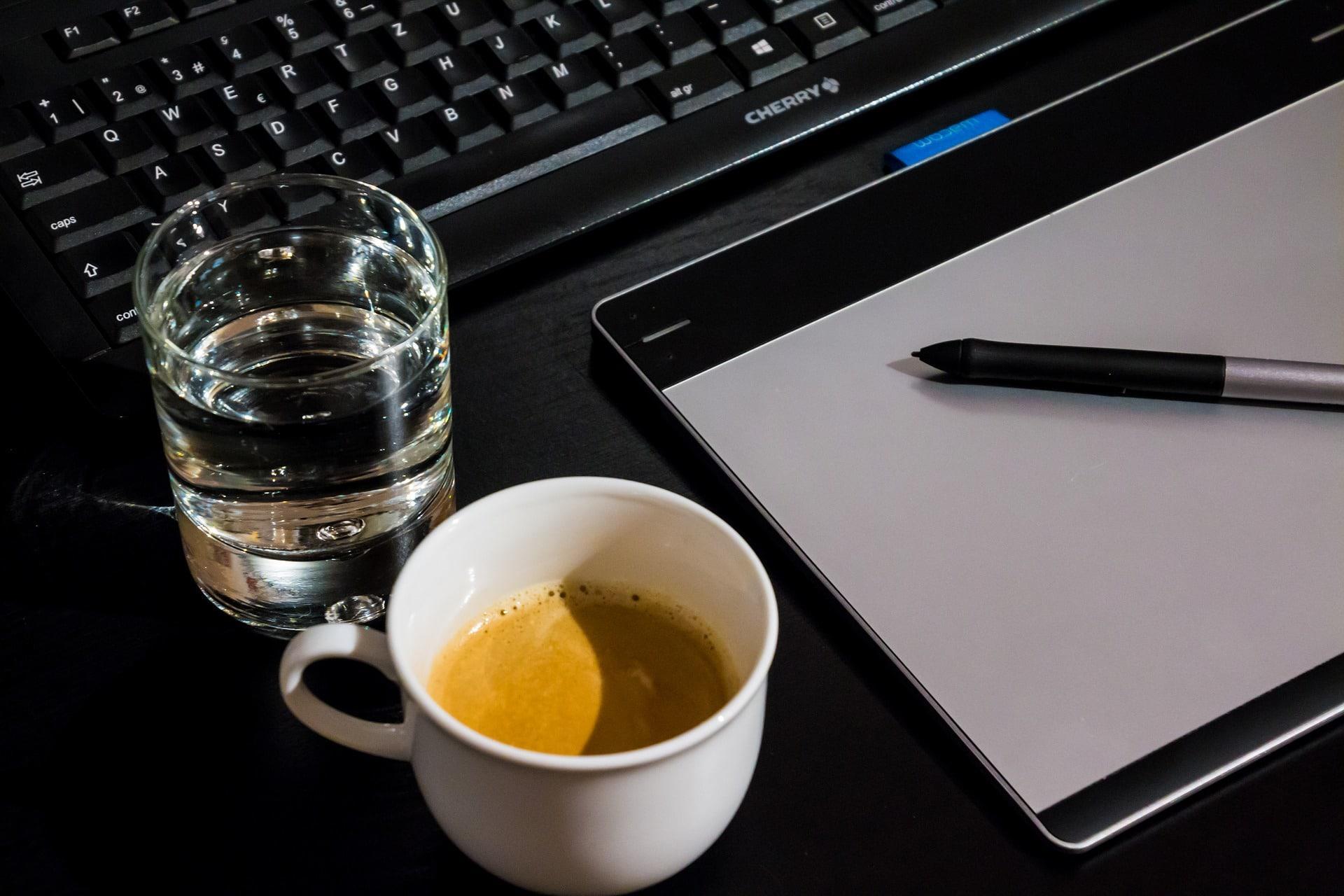
Sketchbook
Previously with Autodesk and now run by an independent company, this app is compatible with iPhone, iPad and iPod Touch that are of iOS 13 versions or later. Sketchbook is one of the essential programmes for digital art as it will take you anywhere from quick sketches to fully finished artwork.
There are plenty of brushes and pencils you can use to create all types of art. Pencil markers, airbrushes, smear and even precision support tools like guides and rulers are there to help you create amazing drawings. This programme is actually purpose-built for sketching, so you can expect a clean interface for creating beautiful drawings. You can download the programme and its tools for free, or purchase the Premium Bundle for additional features like personalising your own brushes.
You don't need a sketchbook to start sketching!
It’s available on iOS and Android.
Adobe Fresco
Adobe is one of the most famous companies in the world that develops graphics software. With Illustrator, Photoshop, Premiere Pro, etc., you’ve probably heard of or have even used something they’ve made. They’ve also got a programme for making art known as Adobe Fresco, which comes with all the benefits you’d expect from an Adobe programme and is very versatile.
Find the world’s largest collection of vector and rasher brushes for their acclaimed natural painting and drawing experience! The programme also includes “live brushes” you can use to draw, which serve to look, feel and act like actual brushes. You can experience the joy of smudging different oils and build the thickness of your paint on this software.
It’s compatible with iOS, Windows 10 and 11, and Microsoft Surface Pro X and Surface Pro 9 devices.
Find out how else you can become better at drawing.
Procreate
The Procreate programme was designed with the iPad in mind, and it is one of the leading creative applications for drawing in the market. Like the other programmes we mentioned, it has plenty of brushes and pencils so that you create art in several styles.
Using this software will be like taking an art studio with you everywhere - use high-definition canvases and handmade brushes, and even do smudge sampling on your digital art piece. You also don’t have to worry about losing any work as the app comes with a continuous auto-save option. The "Drawing Assist" feature will also help beginner artists enhance their strokes and lines.
Muse Pro
You’re probably familiar with the popularity of AI features which has skyrocketed in just the last year. Muse Pro is an interesting programme that uses real-time AI guided by the individual who is using the digital art tool. It’s less about the AI generating art for you and more about your lines and strokes that determine the AI art that is generated.
By using certain prompts, sliders and layers, you can watch your idea come to life as you sketch and paint on the programme. This is a fun way to explore ideas for your art or even to add a professional touch to your digital art pieces.
Right now, you may be wondering how long it will take you to achieve your desired art results. While we can't offer you a specific timeline, we can say that the result will depend on how much effort and determination you are willing to put into your craft - regardless of whether you want to make a living out of your drawings or if you are just doing it as a hobby.
Whether you use digital painting tools, art apps, or canvas and brush, the most important thing is that you enjoy making art and practise regularly!
Why you should learn to draw with Superprof
If you need more help with art and drawing, don't forget that there are plenty of amazingly talented and experienced art tutors on Superprof who are willing to help you get better. No matter where you are in the country, you should be able to find somebody who can teach you exactly what you want to learn about drawing and art.
What makes Superprof stand out as a platform for individuals who want to learn how to draw?
Let us walk you through some of the amazing benefits Superprof offers to students:
- Find art tutors from every corner of the world. Over 5,000 tutors are on Superprof that can teach you how to draw with various art media and tools, be that in the digital world or on paper. Learn with an art tutor from Paris, Montreal, Toronto, Bengaluru or even with a professional artist close to home in Puchong.
- Quickly find the best art tutors on the platform. Superprof has various categories of tutors depending on students’ feedback and their expertise on the subject - look for Super Tutors and Ambassadors who are experts in their field and are popular choices among students learning to draw!
- Set your preferred budget for drawing lessons. You don’t have to spend a huge amount to study with a skilled artist. Easily find lessons in your area below RM30 when you use the Superprof platform. The average price of drawing lessons on Superprof is RM80.
- Learn how to draw according to your skill level. One of the biggest challenges faced by people learning to draw is finding apps or resources that are too difficult or too easy for them to follow. On Superprof, you can find tutors who are providing art lessons at levels like beginner, intermediate, kids and more.
- Get a quick response from your art tutor. By signing up as a student on Superprof, you can schedule lessons with your tutor and let them know what you would like to learn. Many art tutors respond within the day and all you have to do is turn on the “Response Time” filter to talk to tutors who can reach out immediately.
To gain these amazing benefits and find the top art tutor, you will have to sign up for the Superprof Student Pass, which is only RM19. This fee will only be charged after you and your art tutor have agreed to start your art lesson. Additionally, you should also make use of the free-first-lesson option offered by Superprof drawing tutors. That way, you can find out whether you have chosen the right drawing tutor and decide if you want to continue having art classes with them.
As you can tell, it’s pretty convenient to find your ideal art tutor when you head over to the Superprof platform. With the guidance of your Superprof drawing tutor and these amazing apps for learning to draw, you are sure to improve your drawing skills and grow an even deeper appreciation for art.
Summarise with AI:
Did you like this article? Leave a rating!

 Loading...